Short answer: the best AI video editing tools for creators in 2026 are the ones that cut the boring parts of editing without taking away your choices. Editing is where most creators lose their week, and the right tool gives that week back. The wrong tool just adds a new subscription to the same slow job.
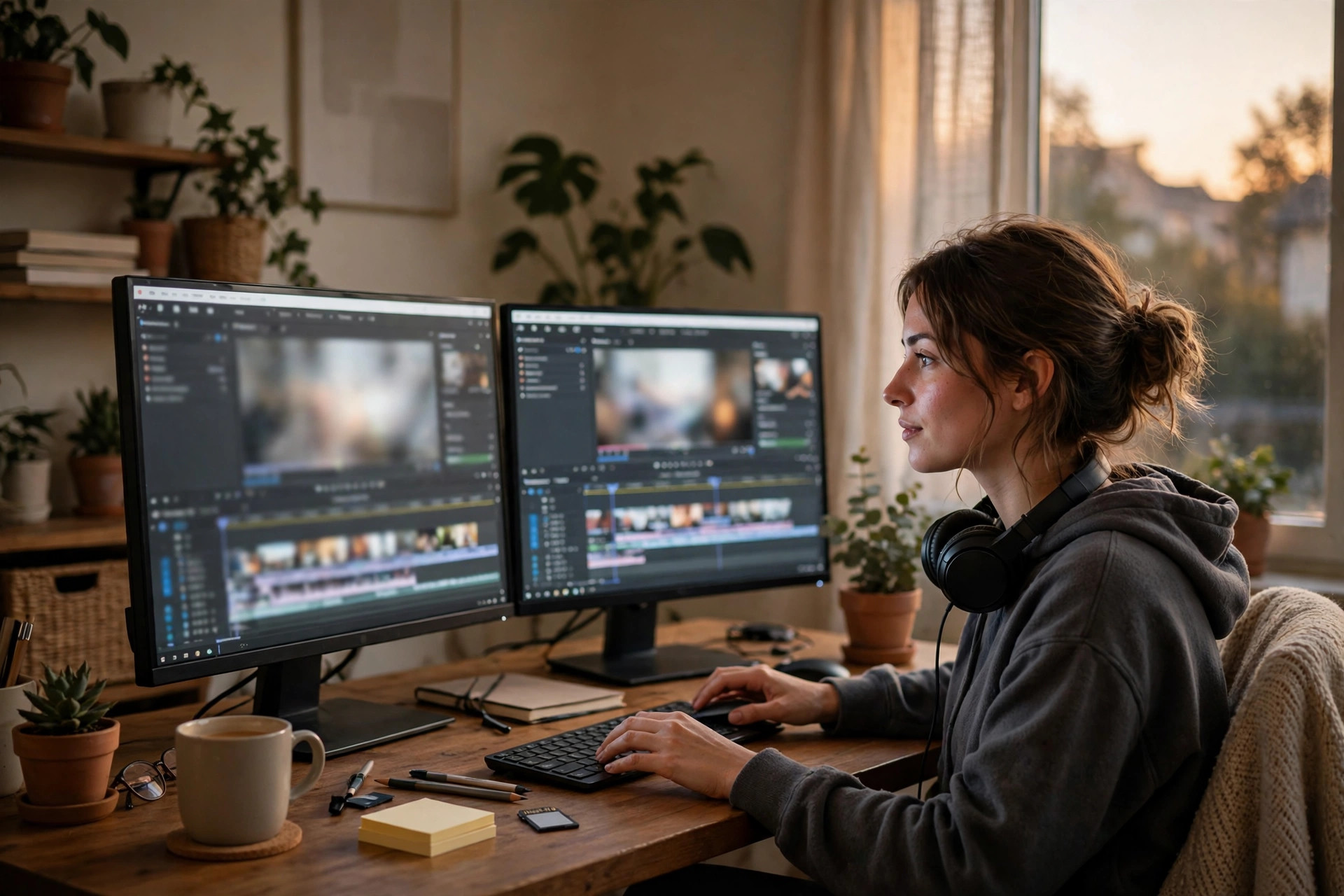
Why editing is the bottleneck for almost every creator
Recording is fun. Editing is not, at least not the third hour of it. You watch the same clip five times, cut a pause, fix a cough, add a caption, and realize you still have forty minutes of footage left. That is why so many channels post once a month instead of once a week. The idea is there, the recording is done, and the edit sits unfinished. AI editing tools attack that exact pile: the repeated, mechanical jobs that take hours but need no creativity.
But not every creator has the same bottleneck. A talking-head YouTuber loses time to silences and filler words. A short-form creator loses time to captions and clip selection. A course creator loses time to long recordings that need chapters and clean audio. A podcaster who films loses time to multi-track sync and filler removal. Before you pick a tool, name your bottleneck in one sentence. That sentence is your shopping list, and it stops you buying a tool built for someone else's problem.
The best AI video editing tools for creators by the job they do
Text-based editing is the biggest change in years. You open a transcript of your video, delete a sentence in the text, and the video cuts itself. You move a paragraph, and the clip moves with it. For talking-head videos, interviews, and courses, this turns editing from a timeline puzzle into a writing job, and most creators are faster at writing than at scrubbing a timeline. If you make talking videos, test this feature first.
Caption tools come next. Good captions help viewers who watch without sound, which is a large share of phone viewers, and they help search systems find the words in your video. A tool that captions in one pass, in your language, with words you can fix fast, is worth more than a tool with a hundred effects you never use. Audio cleanup matters too: a tool that removes room noise, levels your voice, and fixes a hum can save a recording that would otherwise need a re-shoot.
| Your bottleneck | Feature that helps most | How to test it |
|---|---|---|
| Silences and filler words | Text-based editing and auto-cut | Edit a ten-minute talking video and time it |
| Captions take forever | Automatic captions with easy fixes | Caption a real video and check the errors |
| Audio sounds rough | Noise removal and voice leveling | Clean a noisy clip and listen on a phone |
| Short clips from long videos | Clip finding and reframing | Pull three shorts from one long video |
Test each feature on a real video, not on the tool's demo clip. Demo clips are clean. Your footage is not, and that is the test that counts.
What AI editing gets wrong, and how to catch it
Watch the finished edit once, start to finish
AI editing makes confident mistakes. It cuts a pause that was actually a beat before a punchline. It captions a name wrong. It picks a clip that looks lively but says nothing. It smooths audio until a voice sounds flat. None of this means the tool is bad. It means the tool is fast, and fast needs a human check. Watch your finished edit once, start to finish, before you upload. That one watch catches most of the errors, and it is the habit that separates creators who look polished from creators who look rushed.
Also watch the pace. Some tools cut so aggressively that a video feels like a machine gun: every pause gone, every breath gone, no room to think. Viewers feel that, even if they cannot name it. Leave some breathing room in. A pause before a key point is not a mistake. It is a signal that something matters. If your tool removes every pause by default, turn that setting down. The edit should serve the story, not the other way round.
Short-form editing is a different job
Editing a short video is not the same as editing a long one. A short needs a hook in the first seconds, captions from the start, and a vertical frame that keeps the subject in view. A tool that reframes a wide video into vertical, finds the lively moments, and captions them can turn one long video into a week of shorts. That is a real workflow, and our guide to AI tools to repurpose content for creators walks through it step by step.
But a short made only from auto-cuts can feel empty. The best shorts still have one clear idea, one clear line, and one reason to watch to the end. Use the tool to find the moment, then shape it yourself. Cut the setup, keep the payoff, and add a caption that says what the viewer will learn. If you cannot say the idea of the short in one sentence, the tool cannot save it either.
How to pick without paying for three tools at once
Most creators need one main editor, not three. Pick the one that handles your main format best: long talking videos, short clips, or courses. Then check three things before you pay. First, can you export in full quality without a watermark on the plan you would actually buy? Second, can you export your project files, or at least the finished video, if you leave? Third, does it work on your computer without freezing on long files? Those three checks matter more than the feature list, because they decide whether the tool fits your real week.
Use free plans to test, and test on your worst footage, not your best. A noisy room, a long ramble, a video with ums and pauses: that is the footage that tells you if a tool is good. If it handles your worst video well, it will handle your normal ones easily. And if you also need help with thumbnails, our guide to the best AI thumbnail tools for YouTube pairs with this one, while our guide to AI tools for YouTubers with small channels covers the full small-channel workflow.
Where video editing fits a small business too
Video editing is not only for YouTubers. Small businesses now make videos for their own sites, their social pages, and their ads. The same tools help there: captions for silent scrolling, clean audio for a product demo, and fast cuts for a short ad. If you run a small business and make videos yourself, the same test applies: time one video before the tool, time one after, and keep the tool only if the gap is real. Our guide to best AI tools for small business owners shows where video fits in a business week, and our guide to how to automate a small business with AI shows how to fit editing into a wider routine.
A simple test for the best AI video editing tools for creators
Here is the test. Take your last unfinished video, the one sitting in a folder because the edit felt too long. Open it in the tool you are testing. Cut the silences, add captions, clean the audio, and export it. Time the whole job. If it takes less than half the time your old way took, keep the tool. If it takes about the same time, the tool is not for you. If it takes longer, stop and try a different one. That one video tells you more than any review, because it is your footage, your pace, and your deadline.
The best AI video editing tools for creators are the ones that get out of your way. They do the boring work fast, leave the choices to you, and let you post on a schedule you can keep. Start with text-based editing and captions, test on a real video, and watch the finished edit once before you upload. If you want to compare the tools that build video from text, our guide to AI video generators compared is the next read, and if you run a channel, our guide to YouTube automation after the 2027 rules explains what still works there.