Short answer: the best AI thumbnail tools for YouTube in 2026 are the ones that help you make three clear options fast, not the ones that make one fancy image slowly. A thumbnail has one job: make a stranger stop scrolling and click. The tool helps with speed and polish. The choice of what to show is yours.
Why thumbnails decide whether a video gets watched
A video can be brilliant and still get ignored, because nobody sees the video first. They see the thumbnail and the title, small, on a phone, next to a dozen other videos. In that moment, the thumbnail is the video. A clear thumbnail with a real face, a clear feeling, and two or three big words will beat a clever thumbnail that needs explaining. A confusing thumbnail will lose, no matter how good the video behind it is.
That is why small channels should spend real time on thumbnails, not five minutes at the end. If you spend five hours making a video and five minutes on the thumbnail, you have spent your time backwards. The video only gets watched if the thumbnail earns the click. Spend at least thirty minutes on the thumbnail for an important video: make three versions, look at them small on your phone, and pick the one you would click yourself.
The best AI thumbnail tools for YouTube by the job they do
Some tools help you remove a background and put yourself in front of a clean scene. Some help you brighten a photo, sharpen a face, and make colours pop without making the image look fake. Some help you test text: big, bold words that stay readable at small sizes. Some help you keep a steady style, so every thumbnail on your channel looks like it belongs to the same creator. That last job matters more than most creators think, because viewers learn to spot your style in a feed, and recognition is what brings them back.
The best tool for you depends on your format. A talking-head channel needs a tool that handles faces well: clean skin, clear eyes, natural light. A tutorial channel needs a tool that handles text well: big words, clear contrast, readable at a glance. A faceless channel needs a tool that handles scenes well: a clear subject, a clear feeling, and no clutter. Pick the tool that fits your format, not the tool with the longest feature list.
| Your channel type | What matters most | What to test first |
|---|---|---|
| Talking head | Faces look real and clear | Does your face stay natural after cleanup? |
| Tutorials and how-to | Text stays readable small | Can you read the words on a phone at a glance? |
| Faceless channel | One clear subject, no clutter | Does the image tell the story in one second? |
| Entertainment and stories | Feeling and contrast | Does the image make you feel something fast? |
Test each tool on a real video, not on a stock photo. Your face, your room, your light: that is the test that counts.
What makes a thumbnail work, tool or no tool
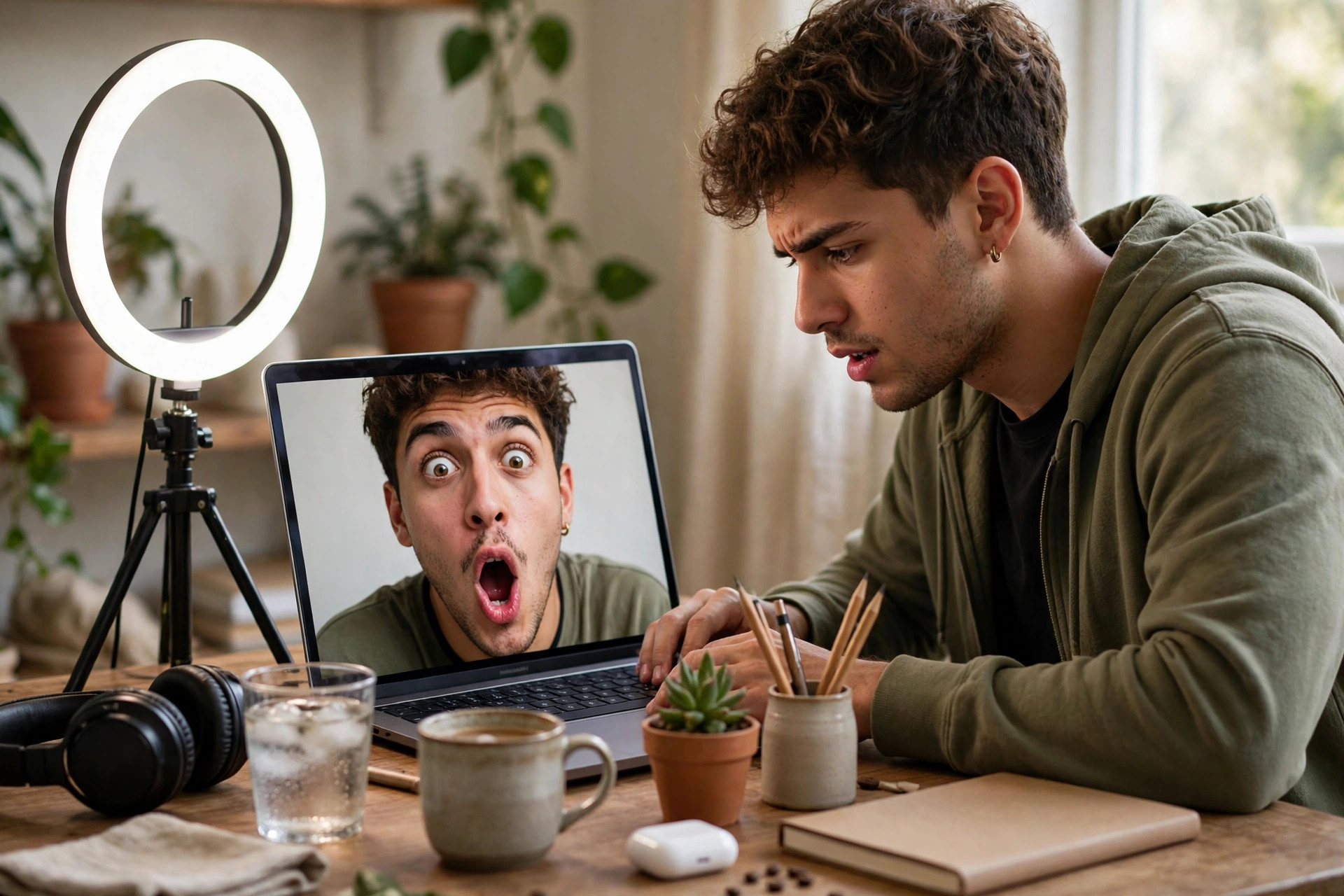
A good thumbnail has three parts: a subject, a feeling, and a few words. The subject is what the video is about, shown clearly, with nothing else competing for attention. The feeling is the emotion on the face or in the scene: surprise, worry, joy, disbelief. The words are two or three big ones that add what the image cannot say. If any of those three is missing, the thumbnail gets weaker. If all three are there, the thumbnail works, even if the design is simple.
What does not work is clutter. Five faces, four lines of text, three colours fighting each other: that is a thumbnail a viewer skips, because they cannot read it in the second they give it. Keep it simple. One face, one feeling, a few words, and space around them. If you cannot describe your thumbnail in one sentence, it is too busy. Cut something until you can.
The three-version rule
Never publish the first thumbnail you make. Make three versions, each with a different feeling or a different few words. Look at all three small, on your phone, the way your viewers will see them. Pick the one you would click, and ask a friend who watches your kind of videos which one they would click. That ten-minute test catches more bad thumbnails than any tool feature, and it is the habit that separates channels that grow from channels that stall.
What AI thumbnails get wrong
AI tools can make a face too smooth, a room too clean, and colours too bright. The result looks polished and fake at the same time, and viewers notice it. They may not know why they skip it, but they feel that the image is not real. The fix is to use real photos where you can, and let the tool clean them, not rebuild them. A real photo of you, with natural skin and a real room behind you, will beat a perfect fake image every time, because viewers trust what looks real.
AI tools can also write text that sounds like a slogan, not like a person. "You Won't Believe What Happened" is a line every viewer has seen a thousand times, and it no longer makes anyone curious. Write the words yourself, in your own voice, about your own video. If your video is about a mistake you made, say the mistake. If it is about a trick that worked, say the trick. Specific words beat generic words, and your own words beat a tool's words.
Thumbnails, titles, and the promise you make
A thumbnail and a title work together, and they make a promise. If the thumbnail promises a shock and the video is calm, viewers leave fast, and YouTube notices. If the thumbnail promises a clear answer and the video gives it, viewers stay, and YouTube notices that too. So keep the promise honest. The thumbnail should show the feeling of the video, not a feeling the video never has. The title should say what the video does, not what it wishes it did.
That honesty is also a growth strategy. A channel that keeps its promises builds trust, and trust is what turns a click into a subscriber. A channel that breaks its promises gets clicks once and loses the viewer forever. Our guide to AI tools for YouTubers with small channels covers the full workflow, and our guide to YouTube automation after the 2027 rules explains what still works on the platform.
How to fit thumbnails into a creator's week
Do not leave thumbnails to the end, when you are tired and the video is already late. Make the thumbnail the day you record, while the feeling of the video is still fresh. You know what the best moment was, what your face looked like, and what the video is really about. That is the moment to make the thumbnail, not three days later when you have forgotten it. Put thumbnail time in your schedule, next to recording time, not after editing time.
If you make videos with AI tools, our guide to the best AI video editing tools for creators covers the editing side, and our guide to best AI tools for faceless YouTube covers the faceless path. For the free options, our guide to free AI tools for small businesses lists the ones worth testing first. If you run a small business and make thumbnails for your own videos, our guide to best AI tools for small business owners shows where video fits in a business week.
How to know if the best AI thumbnail tools for YouTube are working for you
Measure two things: time and clicks. Before you start, write down how long a thumbnail takes you, and what your click rate looks like on recent videos. After a month with a tool, write both numbers down again. If thumbnails take half the time and the click rate holds or rises, the tool works. If thumbnails take the same time, or the click rate falls, the tool is not helping, no matter how good the images look in the tool itself.
The best AI thumbnail tools for YouTube are the ones that help you make clear, honest thumbnails fast, in a style viewers learn to spot. Start free, make three versions of every thumbnail, look at them small on your phone, and pick the one you would click. If you want to turn one video into more posts, our guide to AI tools to repurpose content for creators shows how to stretch it, and our guide to best AI tools for content creators on a budget covers the cheap stack that pairs with it.