Short answer: AI tools for YouTubers with small channels work best when they speed up scripting, editing, and thumbnails, not when they try to replace your ideas. A small channel does not need a big team. It needs a faster way to turn one good idea into a finished video, week after week, without burning out.
The real problem for small channels is time, not talent
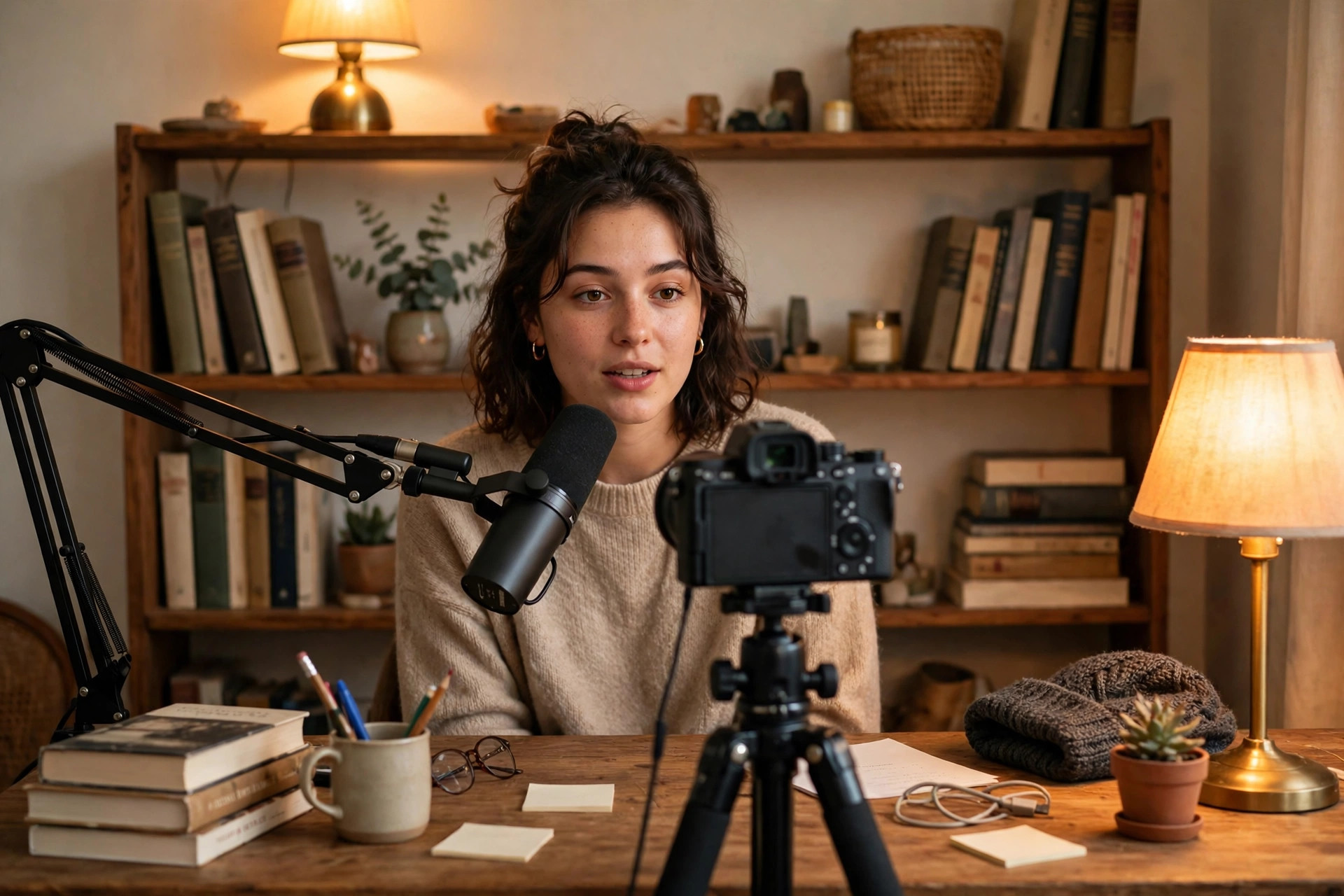
Most small channels do not fail because the creator lacks talent. They fail because one video takes too long. You have an idea on Monday, you write a script on Tuesday, you record on Wednesday, you edit on Thursday and Friday, and by Saturday you are too tired to start the next one. A week later, you have one video and no energy left. That is the trap AI tools can break, but only if you point them at the slow parts.
So map your own week first. Where does a video actually get stuck? For some creators, it is the script: the idea is clear in your head, but the words take hours. For others, it is editing: cutting silences, adding captions, and fixing audio takes longer than recording. For others still, it is the thumbnail and title, which sit unfinished while the video waits. Find your stuck point, then pick one tool for that job. A tool that fixes a job you do not struggle with is just another subscription.
AI tools for YouTubers with small channels by the job they do
Script tools help you turn a rough idea into a clear outline. You give the tool your topic and your angle, and it gives you a structure: a hook, three main points, and a close. You still write the lines in your own voice, but you stop staring at a blank page. That is the whole value. A script tool that writes your whole video for you is a bad deal, because your viewers came for how you think, not for a generic script anyone could generate.
Editing tools are where small channels save the most time. A good one cuts dead air, removes filler words, and adds captions without you scrubbing through every second. Some tools let you edit video by editing the text transcript, which feels strange at first and then feels obvious: delete a sentence in the text, and the video cuts itself. Our guide to the best AI video editing tools for creators goes deep on that choice, and our guide to AI video generators compared covers the tools that build clips from text.
| Slowest job | What helps most | What to test first |
|---|---|---|
| Scripting takes hours | A script outline tool | Can it turn your idea into a clear hook and three points? |
| Editing eats the week | An editing tool with captions | Does it cut silences and captions in one pass? |
| Thumbnails stall the upload | A thumbnail tool with fast drafts | Can you make three options in ten minutes? |
| Titles feel weak | A title and hook tool | Does it give you options in your own tone? |
Test one tool per job, on a real video, with a real deadline. That is the only test that counts.
Thumbnails and titles still need your judgment
A thumbnail tool can make a clean image in minutes, but it cannot tell you which face, which words, or which feeling will make your viewer click. That is your job, and it is the job that matters most for a small channel. A video with a weak thumbnail gets ignored, no matter how good the video is. So use the tool to make drafts fast, then pick with your own eyes. Make three versions, not one. Show them to a friend who watches your kind of videos. Ask which one they would click, and why. That answer is worth more than any tool feature.
Titles work the same way. A tool can give you twenty title ideas in seconds, and most of them will be generic. Your job is to pick the one that tells the truth about your video in a way that makes a stranger curious. If a title promises something the video does not deliver, viewers leave fast, and YouTube notices. If a title is honest and clear, the right viewers stay. Our guide to the best AI thumbnail tools for YouTube covers the thumbnail side in detail, with a workflow for testing ideas before you publish.
What small channels should not automate
Keep your voice and your replies human
Do not automate your voice. Your voice is the reason a viewer picks your small channel over a big one. A big channel has polish and a team. You have a point of view, a way of explaining things, and a direct line to your viewers. If you hand your voice to a tool, you lose the one thing a big channel cannot copy. Use AI to draft, cut, and caption. Keep the thinking, the jokes, the stories, and the opinions for yourself.
Do not automate your replies either, at least not at the start. A small channel grows through comments. When a viewer leaves a thoughtful comment and you reply like a person, that viewer comes back. When a reply reads like a template, the viewer feels it. Reply by hand for as long as you can. Once comments pass a hundred a day, you can use a tool to sort them, but the replies that matter should still sound like you.
A weekly workflow that actually fits a small channel
Here is a workflow that fits a creator with a day job, or with classes, or with a family. Monday: pick one idea and write the hook in your own words. If the hook does not work as a sentence, the video will not work either. Tuesday: build the outline with a script tool, then write the lines yourself. Wednesday: record in one take, mistakes and all. Thursday: edit with an AI tool, cut the dead air, add captions, and fix the audio. Friday: make three thumbnails, pick one, write the title, and schedule the upload.
That is five small days instead of one huge weekend, and it is how small channels post twice a week without burning out. If you want to turn that one video into more posts, our guide to AI tools to repurpose content for creators shows how to stretch it into shorts, clips, and posts. And if you are thinking about a faceless channel, our guide to the best AI tools for faceless YouTube covers that path, including its costs in our guide to faceless YouTube channel costs.
Free plans first, paid plans when they earn it
Small channels run on tight budgets, so the order matters: free first, paid only when a limit blocks your schedule. Most editing and caption tools give you real work free, with a watermark or a monthly limit. Use the free plan until you hit that limit on a real video. Then pay for the plan that removes exactly that limit. Do not buy the top plan because it looks good. Buy the smallest plan that keeps you posting on time.
Also count the cost of quitting. A tool that locks your projects inside itself, or that makes it hard to export your videos, is a tool that owns your channel's history. If you also run a business around your channel, our guide to the best AI tools for small business owners shows which tools earn their keep there. Before you pay, check that you can export finished videos in full quality, and that your project files are yours. That check takes two minutes and saves you from a painful move later, when your channel has grown and your old videos are stuck in a tool you no longer want.
How to know if AI tools for YouTubers with small channels are working for you
Measure time, not features. Before you start, write down how long one video takes, from idea to upload. After two weeks with a tool, write it down again. If a video takes half the time, the tool works. If it takes the same time but with more steps, the tool does not work, no matter how good it looks in a demo. That one number is the test that matters for a small channel, because time is the resource you cannot buy back.
The second test is consistency. Can you post on schedule for a month without dreading the edit? If yes, the tool has done its job. If you still dread it, the tool fixed the wrong part of your week, and you need to map your week again. AI tools for YouTubers with small channels are not about making videos that look big. They are about making good videos on a schedule you can keep, and that is how small channels become medium ones. Start with your slowest job, test one tool on a real video, and let the clock decide.