Short answer: AI tools for podcasters with small shows work best when they handle the work after the recording. A small show does not need a studio or a team. It needs a faster way to turn a good conversation into a clean episode, good show notes, and a few clips, every week, without the edit eating your evenings.
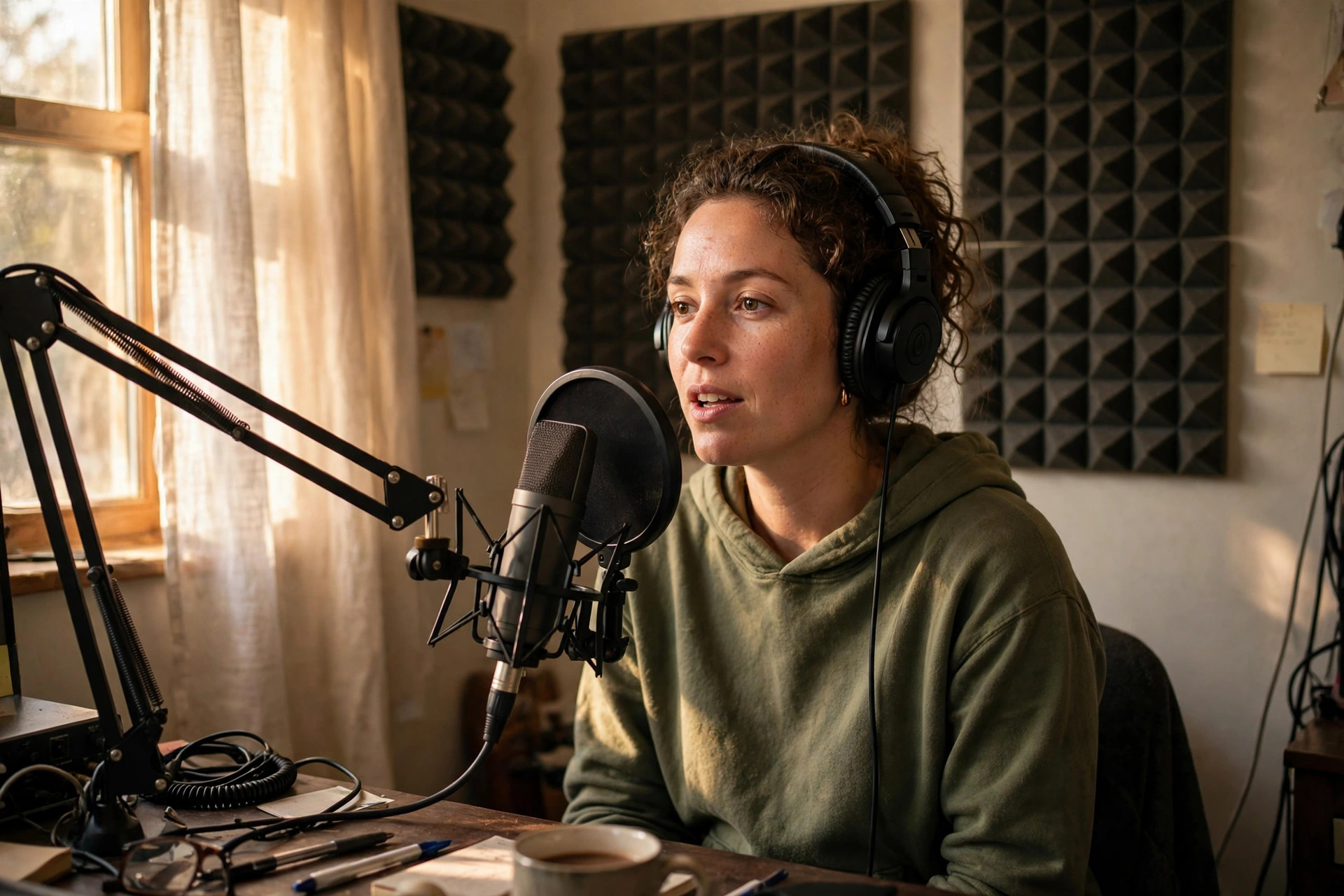
The real cost of a small podcast is the edit
Recording a podcast is the fun part. You talk to a guest, you laugh, you learn something, and an hour flies by. Then you open the audio file and see the real job: ums and ahs, long pauses, a dog barking, a guest who talks over you, a section that drags. Editing that by hand takes three times as long as recording, and that is why so many small shows fade after ten episodes. The host runs out of evenings before they run out of ideas.
AI tools break that pattern by handling the mechanical parts. They find filler words and cut them. They find silences and shorten them. They level two voices so the guest does not sound far away and you do not sound too loud. None of that needs your creativity. It needs patience, and a tool has more patience than you do at midnight. Your creativity belongs in the questions, the stories, and the moments you choose to keep, not in scrubbing a timeline.
AI tools for podcasters by the job they do
Editing tools come first. The best ones for small shows let you edit audio by editing the transcript, the same way video creators edit by text. Delete a sentence in the transcript, and the audio cuts itself. That turns a three-hour edit into a one-hour edit for most interview shows. Some tools also remove filler words in one click, which is a small miracle if you have ever cut ums one by one.
Show note tools come next. They read your transcript and write a summary, timestamps, and key points. That is the part most small shows skip, and skipping it costs them listeners, because show notes are how new listeners decide whether to press play. A good summary tells a stranger what they will learn, and timestamps let them jump to the part they care about. Clips tools come third: they find the lively moments in an episode and cut them into short videos for social media. One strong clip can bring more new listeners than a whole month of posting about the show.
| Slowest job | What helps most | How you will know it works |
|---|---|---|
| Editing takes hours | Text-based audio editing | An episode edits in half the time |
| No show notes | A transcript-to-notes tool | Every episode ships with notes and timestamps |
| No one finds the show | A clip tool for social media | One clip a week, posted on time |
| Scheduling is a mess | A booking and reminder tool | Guests show up on time, every time |
Test one tool per job, on a real episode, with a real publish date. That is the only test that counts.
What AI tools get wrong in podcasting
AI editing can cut too much. It can remove a pause that was actually a beat before a punchline, or a breath before a hard answer. It can cut a guest's thinking pause and make them sound rushed. It can pick a clip that sounds lively but says nothing out of context. The fix is simple: listen to the finished episode once, start to finish, before you publish. That one listen catches most of the mistakes, and it is the habit that keeps a small show sounding human.
AI show notes can also get names, titles, and links wrong. A guest's book title, a company name, a place name: these are the details listeners check, and getting them wrong looks careless. Read the notes before you publish, fix the names, and add the links yourself. The tool gives you speed. You give the notes their accuracy. That split is what keeps listeners trusting your show.
Guest audio is the weak link
Most small shows sound worse because of the guest, not the host. A guest on a laptop mic in a noisy kitchen will sound bad no matter what tool you use. Help them before the recording: ask them to sit in a quiet room, use headphones, and speak close to the mic. Send them a short checklist the day before, and test their audio for one minute before you start. That one minute saves an hour of cleanup later, and it makes the whole show sound better.
A weekly workflow for a small show
Keep the week simple. Monday: confirm the guest and send the questions. Tuesday: record, in one take, and do not stop for small mistakes. Wednesday: edit with a text-based tool, cut the filler, and level the voices. Thursday: write show notes from the transcript, fix the names and links, and pick one clip. Friday: publish the episode, post the clip, and send the guest a thank-you with the link. That is five small days instead of one huge weekend, and it is how small shows publish every week for a year.
If you also make video versions of your episodes, our guide to the best AI video editing tools for creators covers the video side, and our guide to AI tools to repurpose content for creators shows how to turn one episode into a week of posts. If you run the show as a business, our guide to best AI tools for small business owners shows where a podcast fits in a business week.
How small shows actually grow
Small shows do not grow through ads. They grow through clips, guests, and word of mouth. A clip is a free sample: a stranger watches sixty seconds, likes what they hear, and tries the full episode. A guest is a bridge: when a guest shares the episode, their audience tries your show. Word of mouth is the slowest and the strongest: a listener tells a friend, "you have to hear this episode," and that friend becomes a listener for years.
That is why consistency matters more than production value. A show that publishes every week for a year will beat a show that publishes four perfect episodes and stops. Listeners build a habit around a show they can count on. Pick a schedule you can keep for a year, even if it is every two weeks, and protect it. A small show that never misses is a show listeners trust, and trust is what turns a listener into a fan.
Free plans, paid plans, and what to pay for first
Start free. Most podcast tools give you real work free, with a monthly limit on hours or episodes. Use the free plan until you hit that limit on a real episode. Then pay for the plan that removes exactly that limit. Editing is usually the first paid tool worth buying, because it saves the most hours. Show notes and clips can wait until the edit is fast, because a slow edit blocks everything else.
Also check export before you pay. Can you download your finished audio in full quality? Can you download your transcript? If a tool locks your episodes inside itself, you do not own your show's history. That check takes two minutes. And if you want to grow the business side, our guide to best AI marketing tools for small businesses on a budget covers the marketing tools that pair with a podcast, while our guide to free AI tools for small businesses lists the free options worth testing first.
How to know if AI tools for podcasters are working for you
Measure time and consistency, not features. Before you start, write down how long one episode takes, from recording to publish. After two weeks with a tool, write it down again. If an episode takes half the time, the tool works. If it takes the same time, the tool fixed the wrong job. Then check consistency: can you publish on schedule for a month without dreading the edit? If yes, the tool has done its job.
AI tools for podcasters with small shows are not about sounding like a big network. They are about making a good show on a schedule you can keep, with show notes people read and clips people share. Start with editing, test one tool on a real episode, and listen to the finished show once before you publish. If you make video too, our guide to AI tools for YouTubers with small channels covers that side, and our guide to how to automate a small business with AI shows how to fit a show into a wider routine.