You don't need a camera, a ring light, or the confidence of a news anchor. Running a YouTube channel without showing your face means publishing videos built from narration, visuals, and editing instead of on-camera performance — and it's how a huge share of channels in true crime, history, finance, and science operate today. If the idea of filming yourself is the only thing between you and starting, this guide removes it. Here's the whole model: the formats, the workflow, the costs, and how to stay anonymous while you do it.
Why So Many Creators Choose YouTube Without Showing Your Face
Some creators are shy. Most are just practical. A faceless channel doesn't care if you're in pajamas, if your apartment is loud, or if you'd rather your coworkers never find your side project. You can record narration at midnight. You can run two channels in different niches without being "the face" of either. And if you ever sell the channel, a brand transfers cleanly — a face doesn't.
There's a production edge too. On-camera videos demand filming sessions, retakes, and decent lighting every single time. Faceless videos are assembled, not performed. Assembly scales. Performance doesn't.
Formats That Work With Zero Filming
Narration-led videos
The backbone of faceless YouTube: a scripted voiceover carried by matched visuals — stock footage, images, maps, charts, screen captures. true crime, history, and explainer channels live here. If this format appeals to you, the full breakdown is in how to start a faceless YouTube channel.
Screen-based videos
Tutorials, software walkthroughs, gameplay, and chart analysis are filmed from your monitor, not your face. A screen recorder and a microphone are the entire studio.
Animation and text-led videos
Animated explainers, quote channels, list videos with kinetic text, and whiteboard-style breakdowns. These lean harder on editing, but they need nothing from a camera at all.
The No-Camera Workflow, Step by Step
- Step 1 — Pick a niche and a repeatable format. One topic area, one video structure you'll reuse.
- Step 2 — Write the script. Everything in a faceless video hangs on the script. Write for the ear: short sentences, a hook up front, a payoff promised early.
- Step 3 — Produce the voice. Your own voice, an AI narration, or a hired voice actor — more on this below.
- Step 4 — Gather or generate visuals. Match images and clips to specific lines of the script. Generic visuals over specific words is where cheap channels expose themselves.
- Step 5 — Edit. Lay the voice down first, cut visuals to it, add captions and light music underneath.
- Step 6 — Package and upload. Title, thumbnail, description, tags. The packaging decides whether anyone ever finds the video you just made.
That's the manual version, and plenty of people run it happily. It's also five or six hours per video, which is why automated pipelines exist — Oriva Ojas TubeForge, for example, takes a topic and handles steps two through six. The model is identical either way; only the labor changes. The broader picture is in this YouTube automation guide.
Your Voice: Three Honest Options
Record it yourself
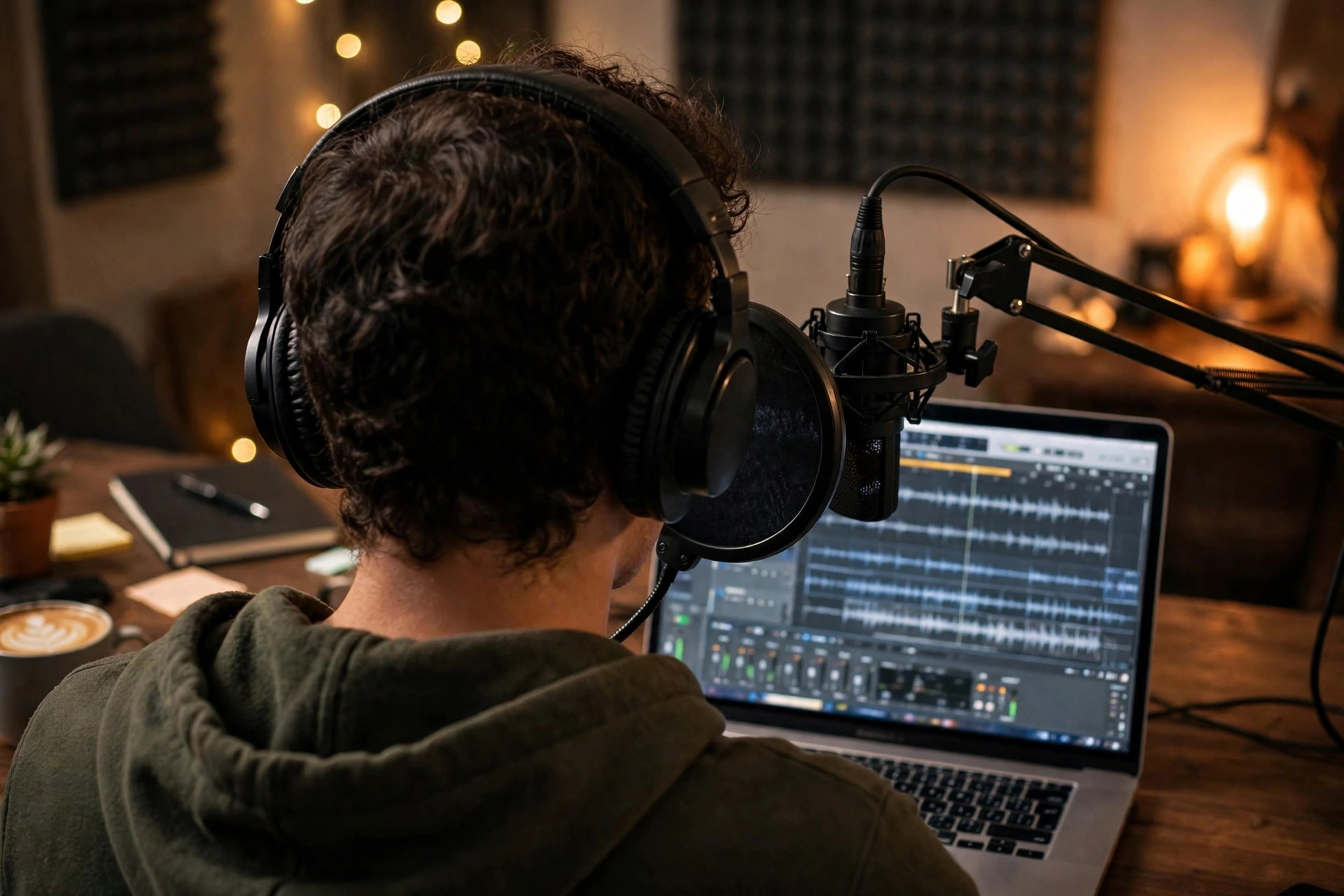
Cheapest and most distinctive. A $50–$70 USB microphone in a quiet room with a blanket nearby beats a $300 mic in an echoey kitchen. Downside: it's your time, every video, plus your voice is identifiable if anonymity matters to you.
Use AI narration
Modern AI voices are good enough that most viewers never think about it. It's fast, consistent, and completely anonymous. Downside: less personality, so your writing has to carry the character.
Hire a voice actor
Freelance narration runs per finished minute and adds up across a weekly schedule. Great quality, real warmth. Downside: cost and turnaround time on every single video.
There's no wrong answer. There's only the one you'll still be using at video forty.
What It Costs to Start a No-Camera Channel
Posting to YouTube is free. Your real costs are time and, optionally, tools. A DIY setup can start at $0 with free editing software and your phone as a microphone, then add a decent mic when the channel earns it and the numbers justify the upgrade. An automated setup trades money for hours: instead of editing all weekend, you pay a subscription and spend your time on topics and review. You can compare that trade directly on the pricing page. What I'd avoid is the middle trap — buying courses, presets, and gear before publishing ten videos. Publish first. Spend later.
Staying Anonymous While You Grow
- Use a brand name and logo, never your real name, in the channel identity
- Create a separate email for the channel and its accounts
- Strip location metadata from images you upload, and don't narrate personal details
- Keep channel socials separate from personal ones
- If you record your own voice, accept it's semi-identifiable — or use AI narration for full separation
Plenty of sizable channels run exactly this way. A good example of a niche built for it is the one covered in how to start a faceless true crime channel — the genre practically expects an unseen narrator.
Mistakes That Make No-Camera Channels Look Cheap
Faceless doesn't have to mean forgettable. The channels that stall usually share the same fixable flaws. Visuals that have nothing to do with the words being spoken — a script about the stock market over random beach footage — tell viewers the video was assembled carelessly. A script written for the eye instead of the ear, full of long tangled sentences, makes even a good voice sound robotic. And thumbnails that try to say everything say nothing: three words and one strong image beat a paragraph in a tiny font every time.
The fix is almost embarrassingly simple. Read every script out loud once before you produce it. Check that each scene's visual matches its line. And spend the last ten minutes on the title and thumbnail, not the first ten seconds of the video. Packaging is the job.
Your First Video: A Simple Weekend Plan
Saturday morning, pick the topic and write the script — or draft it with a tool and rewrite it in your own words until it sounds like a person. Saturday afternoon, sort the voice and visuals. Sunday, edit, build the thumbnail, and upload with a title you'd click yourself. Then stop touching it. Your first video's job is to exist and teach you the workflow, not to go viral. Video five is where your judgment kicks in. Video ten is where the format starts to feel like yours.
YouTube Without Showing Your Face: FAQ
Can faceless videos get real views?
Yes. Viewers come for the topic and stay for the storytelling; most never think about whether they've seen the host. Entire categories — true crime, history, finance explainers — are dominated by channels whose creators have never appeared on camera.
Do I need expensive equipment to start?
No. A computer, an internet connection, and either a basic microphone or an AI voice tool cover the whole production. Upgrade gear only when a specific bottleneck shows up, not before your first upload.
Is running a channel anonymously allowed?
Yes. YouTube requires an account in good standing, not a public identity. Many creators operate under brand names. You will still need to verify your identity privately to YouTube and Google for payments, but that information isn't displayed on your channel.
Can I run more than one faceless channel?
Yes, and the faceless model is built for it — no personal brand ties you to one niche. That said, run one channel to consistent publishing before you start a second. Two struggling channels teach you half as much as one focused channel, twice as slowly. Once the first channel's workflow runs on rails, cloning the system into a new niche is straightforward.
Can I switch to on-camera later?
You can, and some creators do a "face reveal" as a milestone event. But you never have to. A faceless format is a permanent, legitimate model, not a starter stage you're supposed to outgrow.
If filming yourself was the wall, consider it gone. Pick a format, run the workflow, and let the videos be the face of the channel. Start with one video this week — the second one is always easier, and by the fifth you'll wonder why the camera ever felt like a requirement in the first place.