YouTube automation is a content production method where software and systems handle the work of making videos: scripting, voiceover, visuals, editing, and uploading. The creator supplies the idea and the strategy. The machine does the repetitive labor.
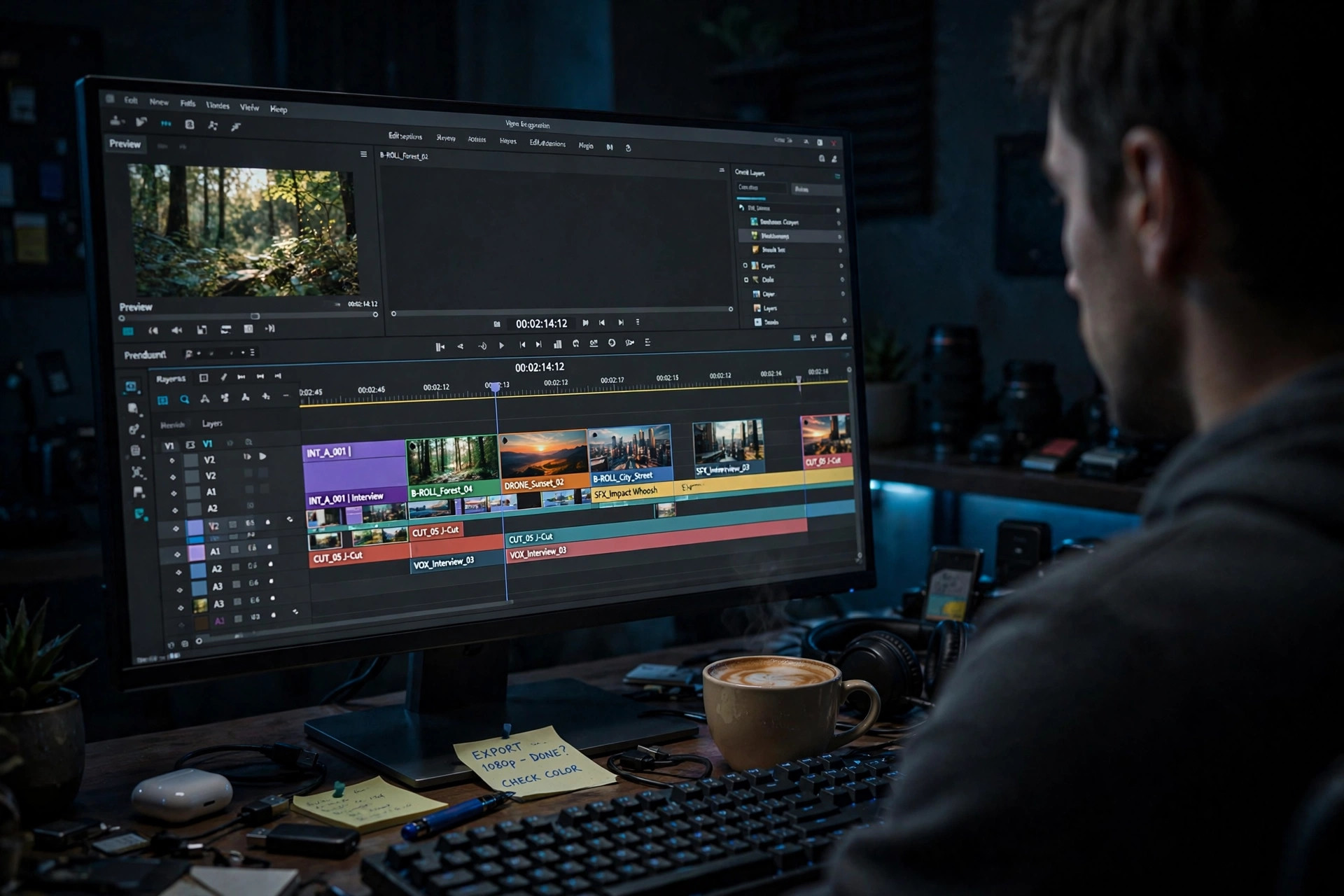
You've probably heard the term used loosely, sometimes as a promise of easy money. It isn't magic, and it isn't passive on day one. It's a workflow. This guide breaks down exactly how that workflow runs, what it costs, and where YouTube's rules draw the line, so you can decide if it's right for you.
What Is YouTube Automation? A Straight Definition
YouTube automation is the practice of producing and publishing YouTube videos through a repeatable system, often with AI tools, instead of filming and editing every video by hand. The channel owner still chooses the niche, approves topics, and owns the channel. The production steps in the middle get handled by software.
Let's clear up what it is not. YouTube automation is not bots buying fake views. It's not uploading stolen videos. It's not a loophole. Those things get channels terminated. Real automation is about production speed, and it's the same model behind most faceless YouTube channels you already watch.
Who actually runs automated channels?
More people than you'd guess. Solo creators with day jobs who can't film on weekdays. Small teams running three or four niche channels at once, the way a publisher runs several magazines. Agencies that test a niche with automated videos before hiring a full crew. And plenty of regular on-camera creators use automation for a second channel they never appear on. The common thread isn't laziness. It's time. Every one of them decided their hours were worth more picking topics and reading analytics than dragging clips around a timeline.
How YouTube Automation Works, Step by Step
Every automated channel runs the same basic pipeline. Think of it as an assembly line with one human checkpoint: you approve the idea going in and the video coming out, and the line handles everything between. Here's each stage, in order:
- Idea: You pick a topic based on what your niche's audience already watches.
- Script: Software drafts a full script with a hook in the first 30 seconds, a story in the middle, and a reason to keep watching until the end.
- Voiceover: An AI voice narrates the script. Modern voices are good enough that most viewers never think twice.
- Visuals: Each scene gets matched footage, images, or motion graphics that follow the narration.
- Edit: The video is assembled with pacing, captions, background music, and a thumbnail.
- SEO and upload: A keyword-rich title, description, and tags go on, and the video publishes or schedules itself.
What this looks like in practice
Say you run a history channel. You type in one idea: "the last day of Pompeii." A tool like Oriva Ojas TubeForge writes the script, voices it, builds the scenes, cuts the video, makes the thumbnail, and uploads it with the title and description already written. Your job was the idea and a quick review. That's the whole pitch.
The same pipeline can also cut vertical versions for the Shorts feed, which matters because Shorts and long-form do different jobs. Shorts get discovered fast and pull in subscribers. Long-form videos hold attention longer and carry the ad revenue. A lot of automated channels run both from the same idea, and our guide to Shorts automation shows how that split works in practice.
What You Need to Start With YouTube Automation
The list is shorter than you'd think:
- A YouTube channel in one clear niche. Our faceless YouTube niches breakdown shows which ones pay best.
- A topic pipeline: a running list of 30 to 50 video ideas so you never stall.
- A production method: freelancers, DIY tools, or an automation platform.
- A posting schedule: two or three uploads a week, held steady for months.
- A small budget: enough to cover your tools without stress. More on costs below.
If you want a dated, week-by-week plan, our faceless channel launch plan lays out the first 90 days.
How Much Does YouTube Automation Cost in 2026?
Honest answer: it depends on the route you take. Hiring freelancers per video (writer, voice actor, editor, thumbnail designer) commonly runs $50 to $200 or more per finished video, and a channel posting three times a week burns through that fast. DIY with separate AI tools is cheaper per video but eats your hours instead of your money.
Flat-fee automation platforms flip the math. Oriva Ojas TubeForge, for example, is $40 a month for the whole pipeline, idea in and video out. You can compare the options on our pricing page. Whatever route you pick, judge it on cost per published video, not the sticker price.
Where beginners overspend
Here's where new creators bleed money: they buy five different AI subscriptions before uploading a single video, or they hire a full freelance team for a niche they haven't tested yet. Both mistakes come from the same place, shopping instead of publishing. Your first ten videos exist to prove one thing, that people want to watch your topic. Keep production cheap and boring until the views show up. Then spend. A channel with 30 published videos and a small tool bill beats a channel with a beautiful logo, four freelancers on retainer, and two uploads.
Is YouTube Automation Allowed on YouTube?
Yes, with conditions. YouTube has never banned automated production. What YouTube bans is spam, fake engagement, and reused content with no original value. The YouTube Partner Program's reused content policy says your videos need original commentary and real creative input, which a properly written script provides.
We went through the policy line by line in our post on whether YouTube automation is legit, and the monetization side is covered in our guide to AI video monetization. Short version: original scripts, real topics, no mass-produced junk. Follow that and you're fine.
The one rule that keeps channels safe
If you remember a single sentence from this guide, make it this one: every video needs a human idea behind it. Channels get in trouble when they generate hundreds of near-identical videos from a template with no real topic judgment, the digital equivalent of photocopying the same page 500 times. Channels stay safe when each video covers a specific subject a real person chose, with a script written or approved by a person who understood it. Automation should multiply your judgment, not replace it. Keep that line and the policy pages above become a lot less scary.
YouTube Automation vs. Doing Everything Yourself
Manual production gives you total control over every frame. It also gives you total responsibility for every frame. Most solo creators hit the same wall: editing one 10-minute video takes six to ten hours, the schedule slips, and the channel stalls.
Automation trades a little hands-on control for a lot of consistency. Our side-by-side look at automation vs. manual production compares time, cost, and quality honestly, including where manual still wins.
YouTube Automation FAQ
What is YouTube automation in simple terms?
YouTube automation is a system for making YouTube videos where software handles scripting, voiceover, visuals, editing, and uploading. The creator provides ideas and direction instead of filming and editing by hand.
Can YouTube automation channels get monetized?
Yes. Automated channels join the YouTube Partner Program when they reach 1,000 subscribers and 4,000 public watch hours (or 10 million Shorts views in 90 days) and their content follows the reused content policy with original scripts and commentary.
How much money do I need to start?
Most beginners start with a small monthly budget for tools, somewhere between free DIY setups and flat-fee platforms around $40 a month. Per-video freelancer routes cost more. You do not need thousands of dollars to test a channel.
Do I need any filming or editing experience?
No. YouTube automation exists specifically for people who don't film or edit. You need topic judgment and consistency, not a camera or a timeline full of clips.
Here's the bottom line. YouTube automation won't build a channel for you while you sleep, but it removes the part that kills most channels: the grind of production. Pick a niche, set your pipeline up once, and feed it ideas every week. If you want that pipeline ready-made, Oriva Ojas TubeForge takes you from idea to uploaded video in one place. Your only job left is the ideas. Make them good ones.