How to practice OSCE with AI starts with a fact: no AI simulator is built for UHS or NRE stations. The tools that exist, Geeky Medics, OSCE Revisions, and Neural Consult, are mapped to UK exams. You can use them, by taking their patients and timers and running them against your university format, with a checklist and a copy-paste prompt.
Can AI really be your OSCE patient?
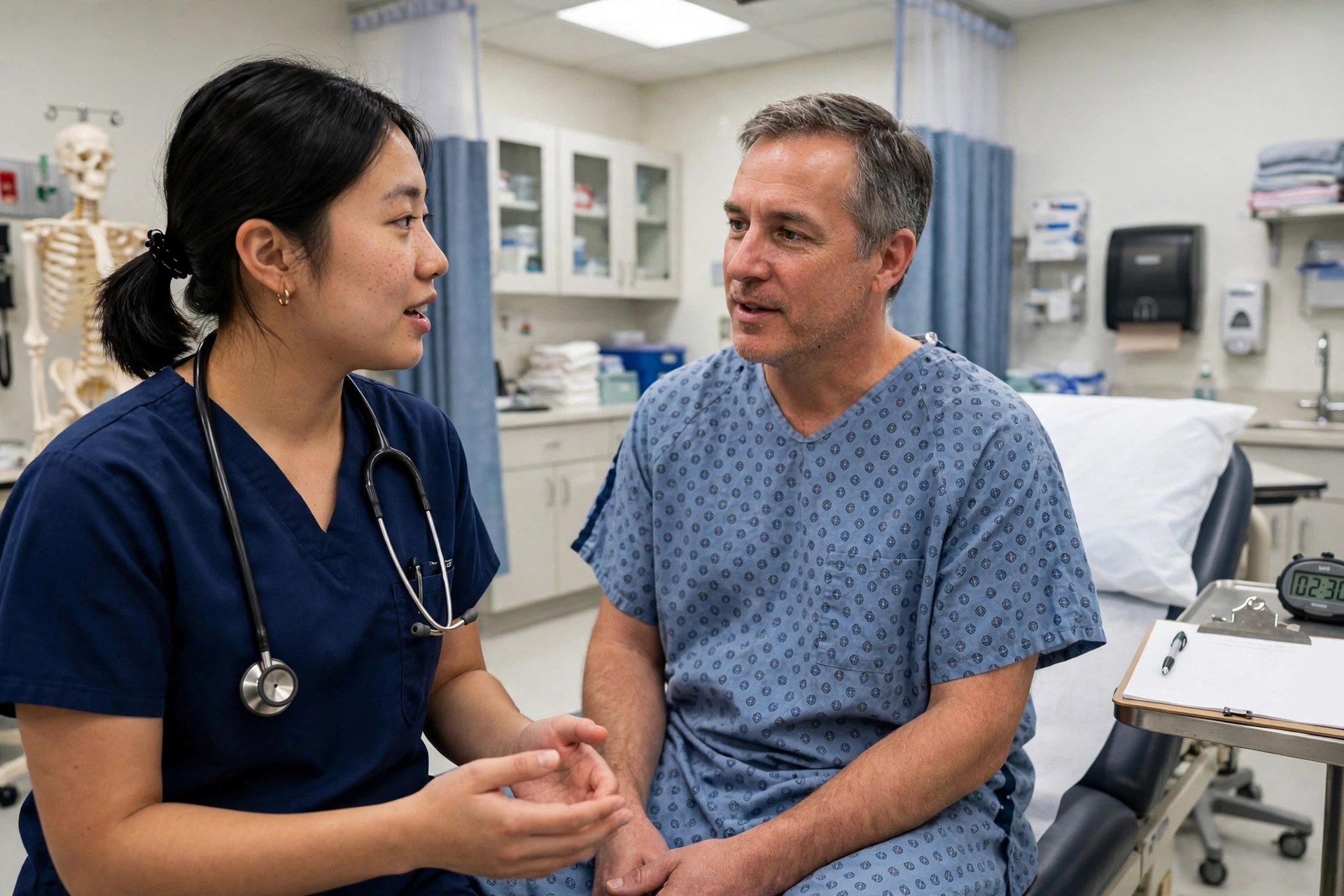
Yes, for history taking and counselling, which is most of what a solo student struggles to practise alone. A small pilot from KwaZulu-Natal, published in the African Journal of Health Professions Education in 2026, invited 200 second-year students to practise history taking with ChatGPT 3.5 and 4.0 using Calgary-Cambridge prompts. Forty completed the survey. Of those, 85% found it easy to use, 75% called it realistic, 80% said it improved their history taking, and 78% felt better prepared. The class history-taking OSCE mean rose from 39 out of 50 in 2023 to 41 out of 50 in 2024, up 4% with p under 0.05.
Read that result with care. It is an association, not proof, from a small self-selected sample of 40 students. An Indiana University pilot with 5 synthetic patients built on ChatGPT-4o and 14 rising second-year students has not published an OSCE-outcome comparison yet. AI can give you a patient who never gets tired and never judges you, which is a real gain for a student with no practice partner. It cannot give you a real examination, a real procedure, or a real examiner. Use it for the talking stations, and practise the hands-on stations with a person.
The simulators that exist, and what they cost
Geeky Medics is the most complete simulator. It lists 800 to 900 plus AI virtual patients across its own pages, so treat the count as a range, not a single number. Its patients cover history, counselling, and examination stations, mapped to UKMLA conditions. Text chat is free. Audio costs 4 AI credits for up to 15 minutes, and video costs 15 credits for up to 10 minutes. You can create your own patient free, if you write instructions of 500 characters or more. A free account opens about 50 OSCE stations. The Everything plan is £69.99 a year or £39.99 a month, and Clinical Skills is £49.99 a year or £29.99 a month. Only communication stations are covered, with no procedure stations.
OSCE Revisions runs AI Voice Patients: you speak aloud, the patient answers with emotional cues, and an examiner-calibrated rubric scores you, with a built-in countdown timer set at 8 minutes for PLAB 2 and 10 minutes for the MLA OSCE. It lists 1,800 plus scenarios across 9 station types, mapped to the GMC MLA Content Map 2026. You get 3 voice and 3 text attempts free on signup, with no card. The price past those free attempts is not stated on the page found, so this post quotes none. Neural Consult offers structured, time-boxed encounters with scenario-specific rubrics, and its price is also not stated. Check the vendor page for both before you pay. For the wider study-app picture, see the best AI study apps for MBBS students in India 2027.
The free method: ChatGPT or Claude as a patient
You do not need a paid simulator to start. Pick one station, such as chest pain, and write a patient script of 500 characters or more. Include the presenting complaint, age and background, the history in brief, what the patient is worried about, and the red flags the AI must not volunteer unless you ask the right question. Then paste this prompt, with your script in place of the brackets:
You are the patient in this script: [paste your script]. Answer only what I ask. Do not diagnose me. Do not break character. Do not give hints. If I miss a red-flag question, note it at the end of the station, not during it. When I say stop, give me a short list of what I asked well and what I missed.
Run a real timer, 5 to 8 minutes, and talk out loud as if a real patient sat in front of you. Do not type your answers and call it practice. Your mouth needs the reps, not your fingers. When the timer ends, read the chat back and mark every question you asked against your checklist. Do the same station the next day, and watch the missed questions shrink. That loop, script, timer, checklist, repeat, is the whole method.
History-taking stations: the 7-minute drill
Most history stations fail on the same few misses: no open question first, no ICE, ideas, concerns, expectations, no red-flag screen, and no summary at the end. Build a one-page checklist with those five lines on it, plus the station-specific red flags, and keep it beside you while you practise. Score yourself right after each run, while the transcript is fresh. A score given the next day is a guess.
Use the timer the way the exam does. Geeky Medics audio runs up to 15 minutes and OSCE Revisions runs 8 to 10 minutes, but your exam may differ, and no source found confirms current 2026 station timing for UHS or the NRE OSCE format. So practise at 5 to 8 minutes and check your university timetable of specifications for the real number. If your station is 5 minutes, practise at 5, not 15, because a 15-minute habit teaches you to wander. For the revision schedule behind this drill, read spaced repetition for MBBS and the 1-4-7 flashcard rule.
Viva and OSVE: turning the AI into your examiner
UHS replaced the traditional viva voce with OSVE, the Objective Structured Viva Examination. Oral, practical, and clinical exams now run as OSPE plus OSCE plus OSVE circuits. In first professional MBBS, each subject runs 12 observed stations: 7 OSPE, 3 OSCE, and 2 OSVE, with external examiners at each station. Your own teachers are not your internal examiners. That changes how you should practise, because the viva is no longer a free-form chat with a teacher who knows you. It is a station with a task and a mark sheet.
Practise it that way. Ask the AI to interrogate you, one question at a time, on the management of a topic, such as the management of diabetic ketoacidosis or the causes of a pleural effusion. Tell it to mark each answer right or wrong, ask a follow-up, and keep going until you say stop. Then ask for a list of the gaps. Do this out loud, standing up, with a timer, because a viva tests how you think under pressure, not how you type. If you want the exam pattern behind this, read our PMDC NRE Step 1 2026 guide, which also covers the 20-station NRE Step 2 OSCE.
What AI cannot simulate, and what it gets wrong
AI cannot simulate an examination or a procedure. It can describe a murmur, but it cannot teach your hands to feel a pulse or place a stethoscope. It cannot watch your technique, your draping, or your infection control. For those stations, practise with a classmate and a real checklist, and use AI only for the talk that surrounds the skill, such as explaining the procedure and gaining consent.
AI also gets facts wrong. A 2024 JMIR analysis found ChatGPT-4 hallucinated 28.6% of references, and ChatGPT 3.5 hallucinated 39.6%. That means more than one in four references from the better model did not check out. Never trust a dose, a cut-off, or a guideline from a chatbot without checking it in your textbook. Never upload real patient data into a consumer chatbot either, because there is no consent and no data agreement behind it. Use invented patients only, and keep real patients out of the chat entirely.
How Ominsol fits this method
The method above needs three things: a way to check facts, a way to test yourself, and a way to bring weak topics back on schedule. That is where Ominsol fits. Its textbook chat answers a stuck topic with a cited answer from your own book, so you can check a dose or a cut-off without leaving your desk. Its AI MCQs give you practice questions from your own material, and its flashcards run on a spaced schedule that brings a topic back before you forget it. Run your OSCE drill first, note the topics where you stumbled, and then let the app drill those topics until they stick.
One last note: this post is general information, not medical advice. Check your university notice and NMC rules for your own session before you plan around any exam format or timing given here.
The bottom line on how to practice OSCE with AI
How to practice OSCE with AI comes down to a simple loop: write a 500-character patient script, prompt the AI as a patient with strict rules, run a real timer, and score yourself against a written checklist right after. For viva and OSVE, flip the prompt and let the AI interrogate you one question at a time. Geeky Medics and OSCE Revisions give you ready-made patients and timers, but both are UK-mapped, so adapt them to your UHS or NRE format. Never trust a dose without a textbook check, and never paste real patient data into a chatbot.